





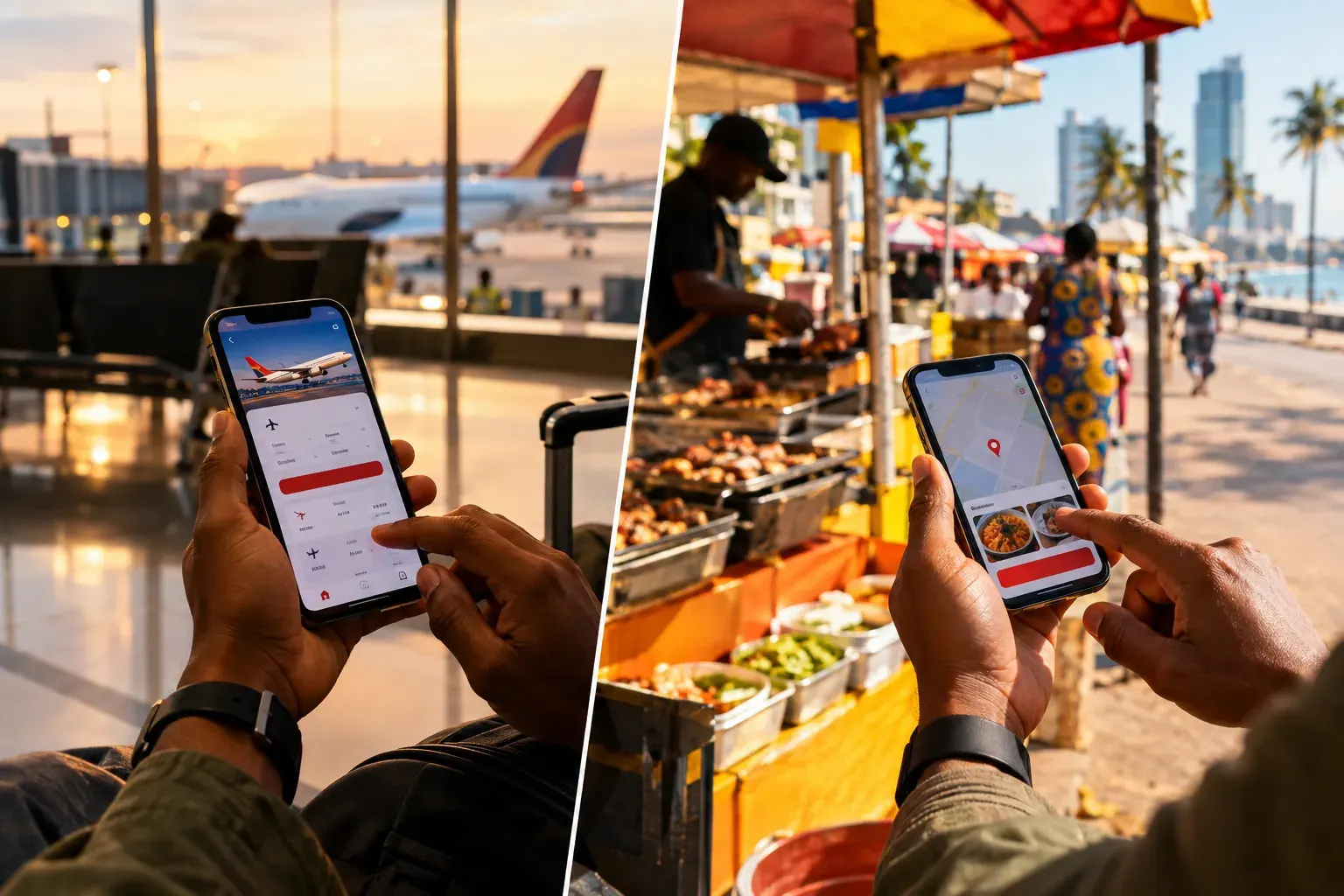
Many first-time visitors land in Luanda without a working SIM card, without an offline map, and expecting Uber to take them to their hotel. All three are easy to fix before you board.
Quick answer: The essential Angola travel apps are Yango for rides, Google Maps with an offline download, Google Translate with the Portuguese pack, FlyTAAG for TAAG flights and WhatsApp for talking to hotels, drivers and guides. Install them at home, because mobile data can be patchy on arrival and Uber does not operate in Angola.
Key Takeaways
- Uber is not available in Angola. Use Yango, Heetch or inDrive instead.
- Yango works in Luanda, Benguela and Lobito, with route sharing and an SOS button in the app [1].
- Download offline maps and the Portuguese translation pack before you fly; data is patchy outside the cities.
- Organic Maps is a free, fully offline map app based on OpenStreetMap [6].
- WhatsApp is how hotels, guides, drivers and restaurants communicate in Angola.
- The official e-visa portal is evisa.ao, a website rather than an app. Tourists from 98 countries do not need a visa for stays of up to 30 days [4].
- Multicaixa Express needs an Angolan bank card and is not practical for tourists [5].
- For mobile data, buy a Unitel or Africell SIM on arrival, or check that an eSIM plan lists Angola before you buy.
Getting Around: Ride-Hailing Apps in Luanda
The ride-hailing apps to install for Angola are Yango, Heetch and inDrive. Uber is not available in Angola. Yango is the one to install first: it covers Luanda, Benguela and Lobito, and its rider app includes route sharing and an SOS button [1].
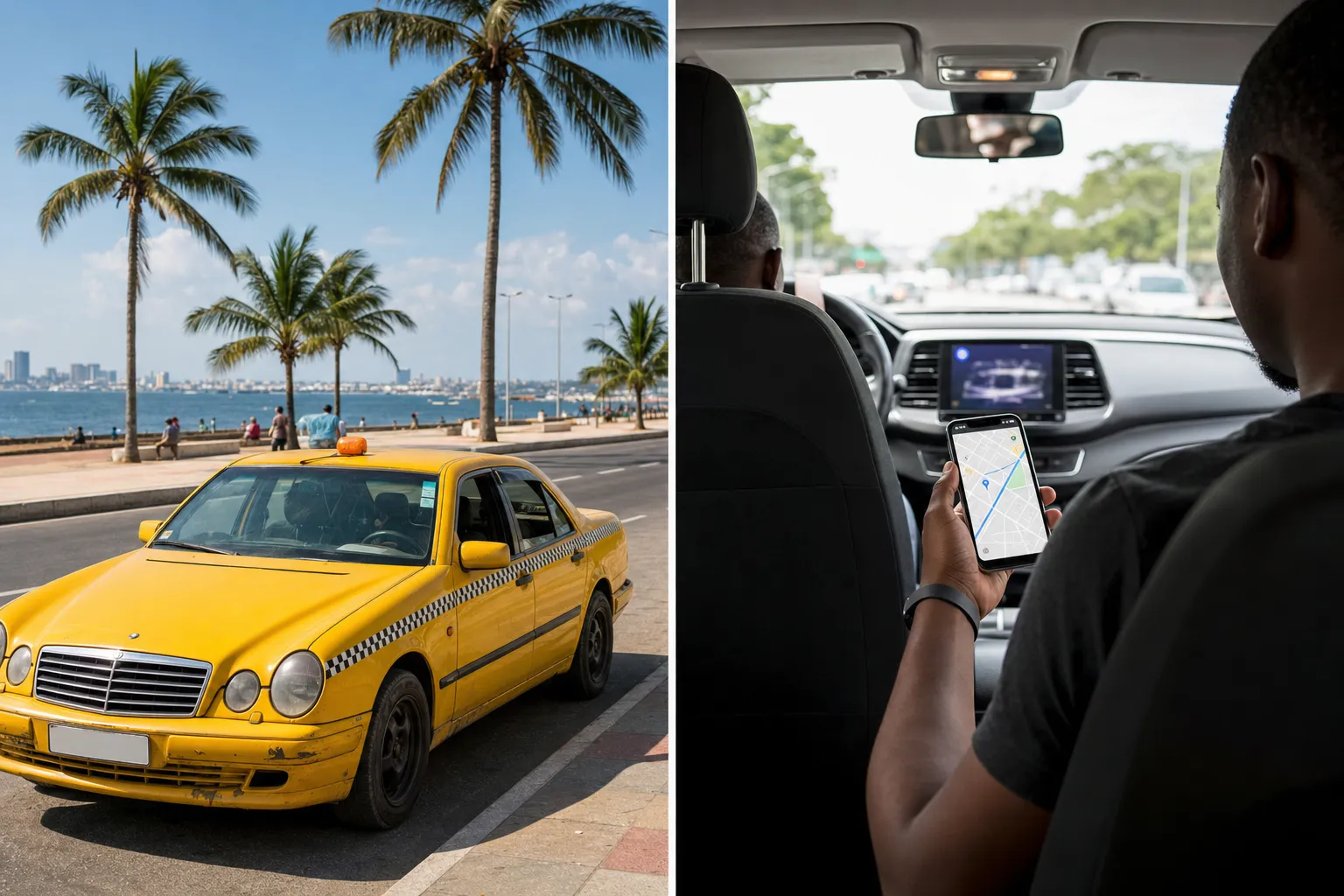
Yango covers Luanda, Benguela and Lobito [1]. You can share your route with a contact and raise an SOS alert from the app. There is also a lighter Yango Lite app for slow connections.
Heetch is also used for rides in Luanda, according to local guides [2]. Check in the app whether your area is covered before you rely on it.
inDrive lists Angola among its countries. It works differently: you propose a fare and a driver accepts or makes a counter-offer. Open the app to see whether your city is covered.
Uber is not available in Angola. Do not count on it at the airport.
Safety tips for every ride-hailing app:
- Match the car model, colour and number plate with what the app shows before you get in.
- Check the driver’s photo and rating.
- Share your route with someone you trust (Yango has this built in).
- Avoid hailing unmarked cars on the street, especially at night.
For buses, domestic flights and car hire, read our guide to getting around Angola, and see is Angola safe for general safety advice.
Staying Connected: eSIM or Local SIM
Most of these apps need mobile data. Angola’s two mobile networks are Unitel and Africell. You can buy a SIM on arrival with your passport, or install an eSIM at home. If you choose an eSIM, check that the plan lists Angola as a covered country before you pay, because not every international eSIM includes it.
Do not rely on your home roaming plan being affordable. Coverage is best in Luanda and the other cities and weaker on long roads between them.
Our Angola SIM card and eSIM guide compares the options, and internet in Angola explains what to expect from Wi-Fi and mobile data.
WhatsApp: The App Everyone in Angola Uses
WhatsApp is the main way businesses, guides, hotels and drivers communicate in Angola. When a hotel asks for your number, it usually means your WhatsApp number, and confirmations from guides and drivers tend to arrive there too. Install it and check that it works on your number before you land.
Planning a day at Kissama National Park or a boat to Mussulo is much easier when you can message the organiser directly. Save the numbers of your hotel, driver and any booked guides before departure.
Offline Maps and Navigation
Download offline maps before you travel to Angola, because mobile data is not always there when you need directions. Google Maps lets you save map areas for offline use, and Organic Maps is a free alternative that works entirely offline.
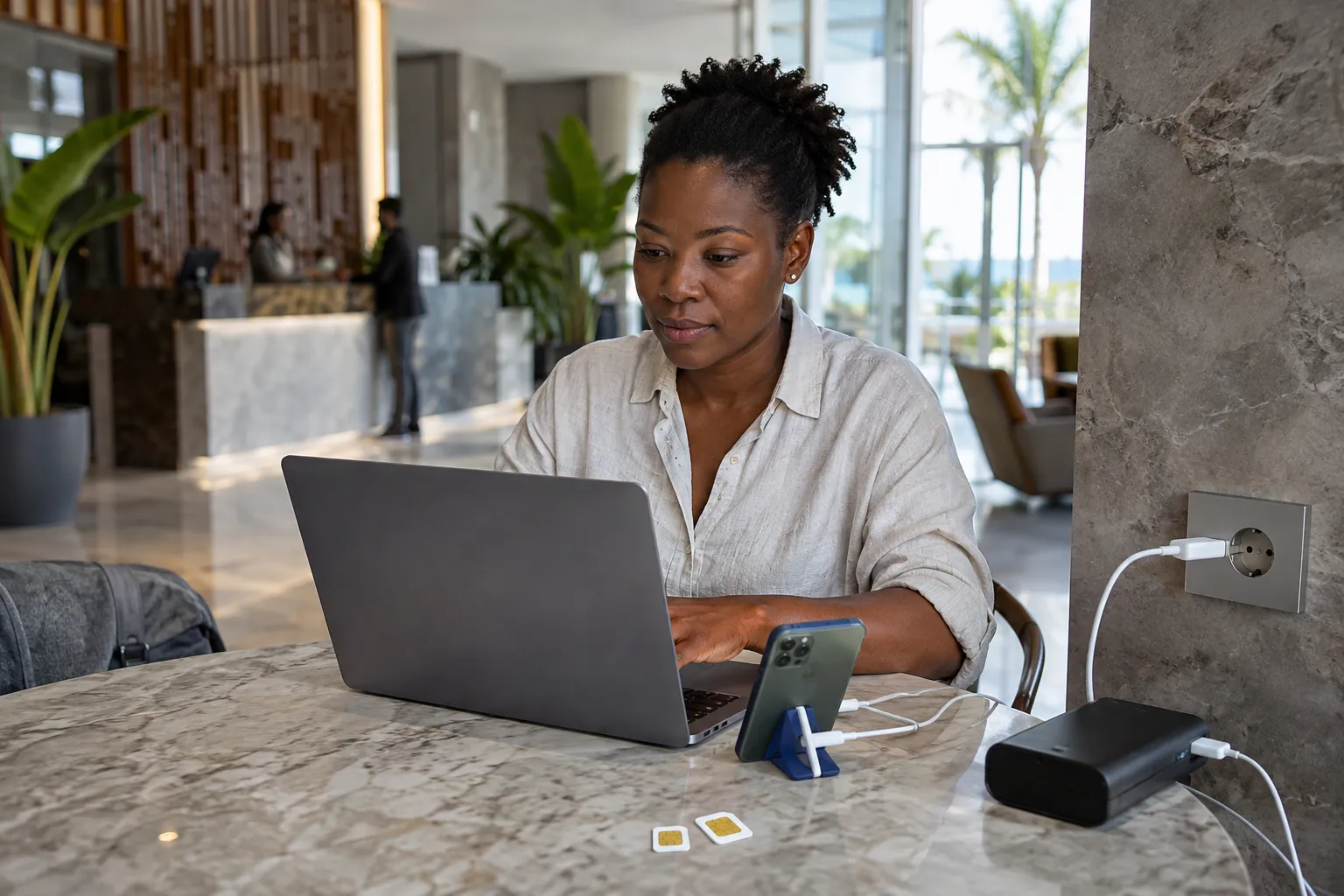
Google Maps offline: search for Luanda or another city, open the place card and choose to download an offline map. Do this on Wi-Fi at home. The offline area includes roads and places; live traffic needs a connection.
Organic Maps (organicmaps.app) downloads map data per country or region and works without any data connection [6]. It is worth having next to Google Maps, as a backup.
On routes outside Luanda, for example towards Kalandula Falls or Kissama National Park, an offline map is not a luxury but a necessity.
Language: Google Translate and a Portuguese Phrasebook
Google Translate with the offline Portuguese language pack is the most practical translation app for Angola. Download the pack on Wi-Fi before you leave so it works without data. The camera translation lets you point your phone at a menu or sign, which helps in restaurants where the menu is only in Portuguese.
English is spoken in some hotels and at larger tour operators in Luanda, but Portuguese is the everyday language almost everywhere else. A few words of Portuguese make a real difference.
Start with our useful Portuguese phrases for Angola and practise them with the free Portuguese audio phrasebook. Angola also has national languages such as Umbundu, Kimbundu and Kikongo; our guide to the languages of Angola explains more.
Flights: The FlyTAAG App
FlyTAAG is the free official app of TAAG Angola Airlines for iOS and Android. It covers flight search, ticket purchase, online check-in, a digital boarding pass and flight notifications, in Portuguese, English and French [3].
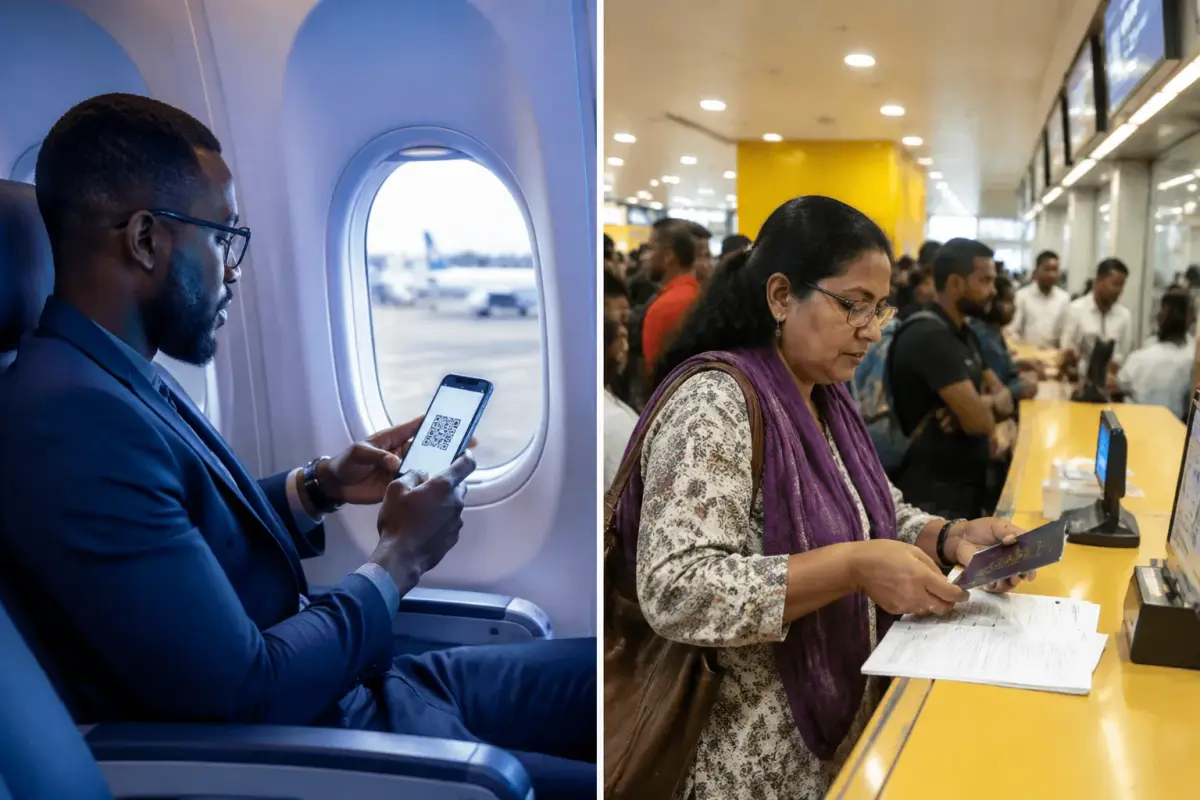
TAAG is Angola’s national airline, with international and domestic flights. With the app on your phone you can check in before you reach the airport. Read more about the airline in our TAAG Angola Airlines guide, and compare routes in our guide to flights to Angola.
Food and Delivery in Luanda
Tupuca+ is an Angolan app founded in Luanda in 2015 that combines food delivery, taxi rides and payments. It is the best-known local option for having food delivered to your accommodation in Luanda.
Prefer to eat out? Our Luanda restaurant finder shows Google ratings and opening hours for hundreds of places, with “Open now” and “Near me” filters, so you can find somewhere to eat without searching in Portuguese.
Money: Kwanza Converter and Why Multicaixa Express Is Not for Tourists
Use our kwanza converter for an indicative rate between the kwanza, the euro and the US dollar. Multicaixa Express, the payment app of Angola’s interbank network EMIS, needs a Multicaixa card linked to an Angolan bank account, so it is not practical for a short trip [5].
Cash is still needed in many places, especially outside Luanda and at markets and smaller restaurants. Larger hotels and restaurants in the cities often take international cards, but not everywhere. Our Angola currency and money guide explains cards, cash and ATMs.
Staying Safe Online: A VPN on Hotel and Airport Wi-Fi
A VPN is a sensible precaution on public Wi-Fi in Angola, including hotel and airport networks. It encrypts your connection and protects banking apps, email and passwords from anyone snooping on the same network.
Our Surfshark review looks at one VPN in detail for Angola trips. Install and test your VPN at home, because setting up a new app on an unfamiliar network is slower. For the wider safety picture, read our Angola travel advice.
Paperwork: The e-Visa Portal and Whether You Need a Visa
The official Angola e-visa portal is evisa.ao, run by Angola’s migration service (SME). It is a website, not an app. Since Presidential Decree 189/23 of September 2023, citizens of 98 countries, including the UK, the US, Canada, Australia, India, China, Brazil and many EU countries, can visit Angola for tourism for up to 30 days per entry and 90 days per year without a visa [4].
Check your nationality on evisa.ao before you travel, as rules can change. Our Angola visa requirements guide explains when you still need a visa.
App Comparison Table
| App | What it is for | Works offline | Needs an Angolan bank account |
|---|---|---|---|
| Yango | Rides in Luanda, Benguela and Lobito | No | No |
| Heetch | Rides in Luanda (check coverage in the app) | No | No |
| inDrive | Rides with a fare you propose (check your city) | No | No |
| Google Maps | Navigation | Yes, with downloaded areas | No |
| Organic Maps | Offline navigation (OpenStreetMap) | Yes | No |
| Google Translate | Portuguese translation and menu scanning | Yes, with the offline pack | No |
| FlyTAAG | TAAG booking, check-in and boarding pass | Not for booking | No |
| Tupuca+ | Food delivery, taxi and payments in Luanda | No | Check in the app |
| Multicaixa Express | Angolan bank payments | No | Yes, not for tourists |
| Messages and calls with hotels, guides and drivers | No | No |
Conclusion: Your Pre-Departure App Checklist
Angola rewards travellers who prepare. Setting up these apps takes about half an hour at home and saves time and stress from the moment you land.
Install before you fly:
- Yango for rides in Luanda, Benguela and Lobito
- Heetch and inDrive as ride-hailing backups
- Google Maps, with an offline area for every city you visit
- Organic Maps as a free offline backup
- Google Translate, with the offline Portuguese pack
- FlyTAAG, if you fly with TAAG Angola Airlines
- WhatsApp for all local contact
- Tupuca+ for food delivery in Luanda
- A VPN for hotel and airport Wi-Fi
- Bookmark evisa.ao to check the entry rules for your passport
Want an easier arrival? Our welcome package lets you add an airport pickup and an eSIM to your trip. For the rest of your planning, start with our Angola visa guide and the best things to do in Angola.
Free help from our team in Angola
Rather not depend on taxi apps?
Ride apps work in Luanda and a few other cities, but not everywhere you will want to go. Tell us when you arrive and we arrange a driver you can count on.
- Local team in Angola
- No obligation, nothing to pay
- Reply by email or WhatsApp
Want to keep this guide? We email you the key points with a link to every section.
Frequently asked questions
What are the best Angola travel apps to install before departure?
The core set is Yango for rides, Google Maps with offline areas, Organic Maps, Google Translate with the Portuguese pack, FlyTAAG if you fly TAAG, WhatsApp and a VPN. Add Heetch and inDrive as ride-hailing backups. Install everything on home Wi-Fi before you fly.
Is Uber available in Angola?
No, Uber is not available in Angola. Yango is the main ride-hailing app and works in Luanda, Benguela and Lobito. Heetch and inDrive are alternatives; check in each app whether your city is covered before you rely on it.
Which Angola travel apps work offline?
Google Maps with downloaded areas, Organic Maps and Google Translate with the offline Portuguese pack all work without a data connection. Download them on Wi-Fi before departure. Ride-hailing and delivery apps need an internet connection.
Do I need a VPN for Angola?
A VPN is not required, but it is a sensible precaution on hotel and airport Wi-Fi. It encrypts your connection and protects banking apps, email and passwords on public networks. Install and test it before you leave home.
Can I use Google Maps in Angola?
Yes. Google Maps works in Angola and covers Luanda and the other cities. Download an offline area for every city you visit, because mobile data is not always available when you need directions. Organic Maps is a useful backup.
Do I need a visa to visit Angola?
Since Presidential Decree 189/23 of September 2023, citizens of 98 countries, including the UK, the US, Canada, Australia and many EU countries, can visit Angola for tourism for up to 30 days per entry without a visa. Check your nationality on evisa.ao before you travel.
How do I get a local SIM card in Angola?
Buy a Unitel or Africell SIM at the airport or in a phone shop in town, and bring your passport because the SIM has to be registered. If you prefer an eSIM, check that the plan lists Angola as a covered country before you buy.
Is there a currency converter for Angola?
Use our kwanza converter for an indicative rate between the kwanza, euro and US dollar. Multicaixa Express, the local payment app, needs an Angolan bank card, so it is not an option for short-stay tourists.